
Snake game controls: keyboard, mouse, swipe, joystick and D-pad
Snake Feast works with whatever you have: a keyboard, a mouse, or a touch screen. Here is every control, and the settings that make each one feel right.
On a computer
You can mix them: press a key and the keyboard takes over until you move the mouse again, so a resting mouse never pulls your snake off course.

On a phone or tablet
Choose your control in Settings → Touch controls. The boost button ⚡ appears in modes with boosting.
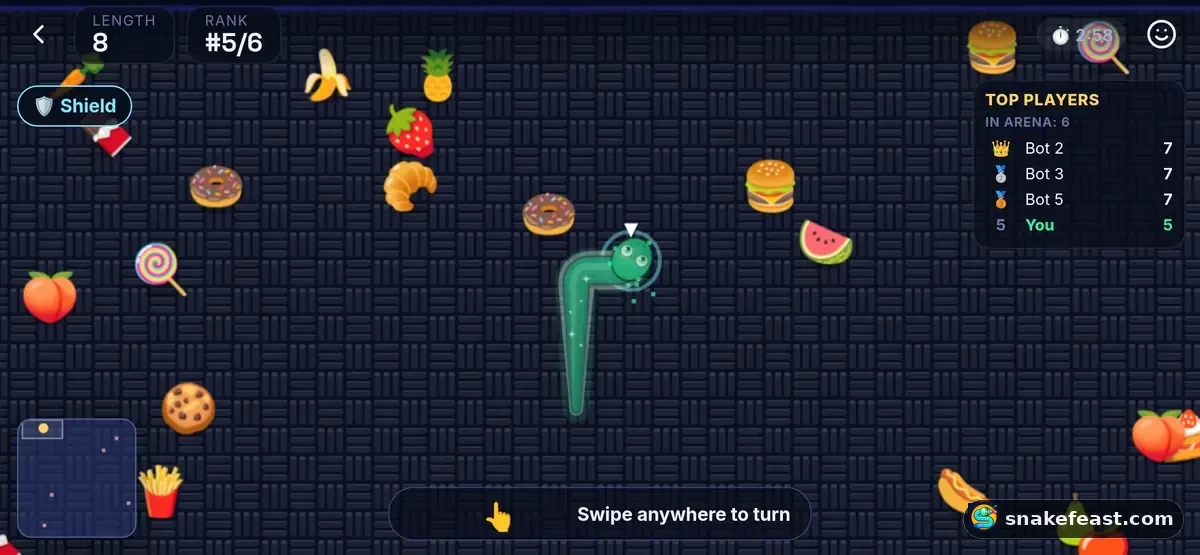
Settings that help
- Swipe sensitivity: lower it if small finger movements turn your snake by accident; raise it for the quickest turns.
- Left-handed: moves the D-pad and boost button to the left side.
- Haptics: a small vibration on each turn and hit (phones that support it).
- Graphics: Auto lowers resolution only when your device needs it, to keep the game smooth. Battery saver draws a simpler picture.
- Reduce motion: turns off shaking and flashing effects.
Why turns feel instant
Online, your own snake is drawn slightly ahead of the server, where your turns will put it, so turns happen the moment you press. The server still decides every result, so the game stays fair for everyone.
Frequently asked questions
Can I play with a controller?
Not directly yet. On a computer, keyboard or mouse work best.
Why does my snake ignore a turn?
The game never lets a snake reverse into itself. A turn straight back the way you came is ignored; make it in two quick steps instead.
Which phone control is best?
Swipe is the most popular. If you misturn a lot, try the D-pad.
